An Enthusiast, Natalie from BrightCore Analytics, watched her posts disappear into the social media void. Then she tried one creative poster design trick. Her engagement shot up 200% in just two weeks.
Here’s the truth: Visual content is 40X more likely to get shared than text posts (WebFX, 2025). Yet 45.71% of marketers allocate only 20-50% of their budget to visual content creation (Venngage, 2024). Most brands still use boring templates.
This guide shows you exactly how to create social media posters that stop thumbs and start conversations. You’ll learn the 6-step system that turns ordinary posts into engagement magnets.
What you’ll get:
- Simple design steps anyone can follow
- Tools that work (even for beginners)
- Real examples with proven results
- Platform tricks that boost reach
Ready to make your posts impossible to ignore? Let’s start.
What Makes Social Media Posters Creative?
Creative social media posters do three things:
- Stop the scroll in under 3 seconds
- Tell your story without words
- Make people take action
Key Design Elements
Element | Why It Works | Quick Tip |
Bold Colors | Grab attention fast | Use 2-3 colors max |
Big Text | Easy to read on phones | 24px minimum size |
Clear Focus | One main message | Ask: “What’s the point?” |
Brand Touch | People remember you | Add logo or brand colors |
Popular Design Styles That Wor
- Minimalist: Clean and simple (25% higher engagement)
- Bold & Vibrant: High contrast colors (40% higher engagement)
- Hand-drawn: Personal and authentic (35% higher engagement)
- Cinematic: Movie-poster style (45% higher engagement)
According to Smart Insights’ 2025 research, images get 2X higher comment rates, while infographics drive 41.5% more engagement (SAGI, 2024)
Platform Sizes Made Simple
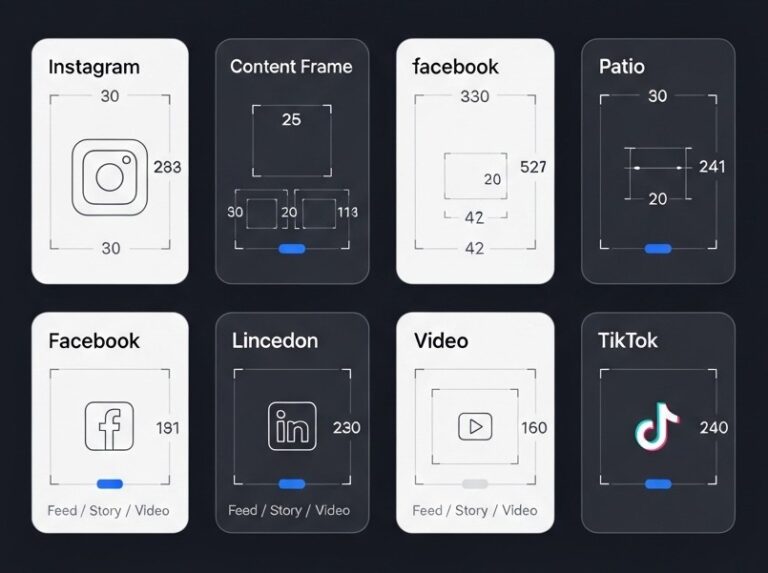
Wrong sizes kill great designs. Here are the exact numbers:
- Feed Posts: 1080 x 1080 pixels (square)
- Stories: 1080 x 1920 pixels (tall)
- Reels Cover: 1080 x 1920 pixels
- Posts: 1200 x 630 pixels (wide)
- Stories: 1080 x 1920 pixels
- Posts: 1200 x 627 pixels
- Company Cover: 1584 x 396 pixels
TikTok
- Videos: 1080 x 1920 pixels
- Profile: 1080 x 1080 pixels
Twitter/X
- Posts: 1200 x 675 pixels
- Header: 1500 x 500 pixels
Pro Tip: Always test your design on a real phone before posting.
Best Tools for Every Skill Level
Tool Comparison
Tool | Best For | Cost | Ease (1-10) | Power (1-10) |
Canva | Beginners | $15/month | 10 | 7 |
Adobe Creative Suite | Professionals | $53/month | 4 | 10 |
Figma | Teams | Free-$12/month | 7 | 8 |
Sketch | Mac Users | $9/month | 6 | 7 |
Quick Start Guide
For Beginners: Start with Canva
- 100,000+ templates ready to use
- Drag and drop everything
- Brand kit keeps colors consistent
For Advanced Users: Try Adobe Photoshop
- Complete control over every pixel
- Professional photo editing
- Works with any file type
For Teams: Use Figma
- Everyone works on the same file
- Real-time comments and feedback
- Version history saves everything
The 6-Step Creative Design Process
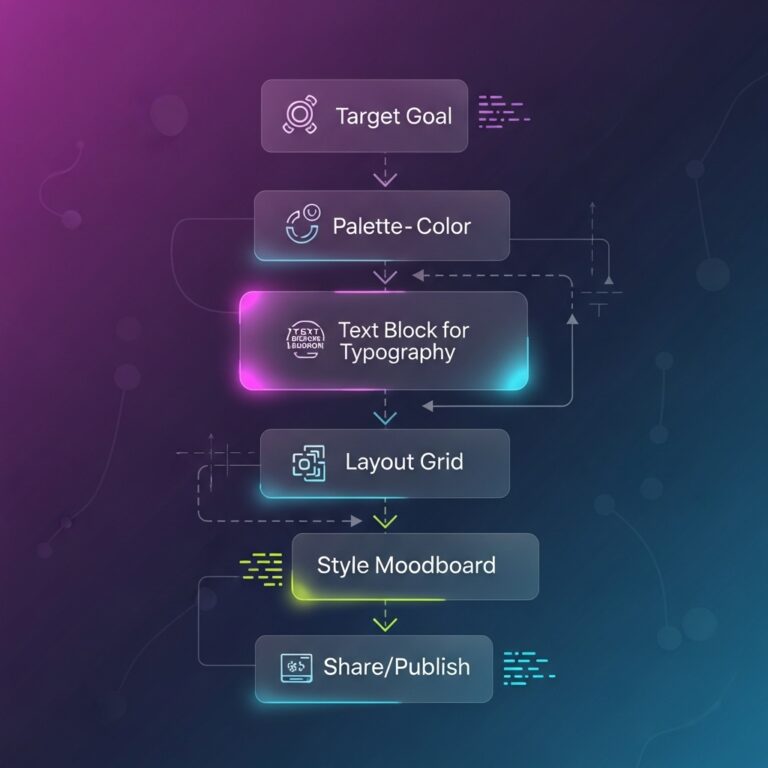
1. Know Your Goal
Ask yourself:
- What do I want people to do?
- Who am I talking to?
- What’s the main message?
Example: BrightCore Analytics wanted more website visits from LinkedIn. Their goal was clear: drive clicks.
2. Pick Your Style
Choose based on your audience:
- Corporate audience: Clean and professional
- Young audience: Bold and trendy
- Creative audience: Unique and artistic
3. Create Your Layout
Use the rule of thirds:
- Put important stuff where lines cross
- Leave white space around text
- Make one thing the star of the show
4. Add Your Text
Keep it simple:
- Headline: 5 words or less
- Body text: 10 words maximum
- Call-to-action: “Learn More” or “Shop Now”
5. Pick Your Colors
Color psychology that works:
- Red: Urgent, exciting (sales, deals)
- Blue: Trustworthy, calm (business, tech)
- Green: Natural, fresh (health, environment)
- Purple: Creative, luxury (beauty, art)
6. Test and Publish
Before you post:
- Does it look good on mobile?
- Can you read the text easily?
- Is your logo visible?
Case Study Result: Following these steps, Natalie’s BrightCore Analytics posts went from 50 likes to 150 likes average. Click-through rates jumped from 2% to 6%.
Advanced Creative Techniques
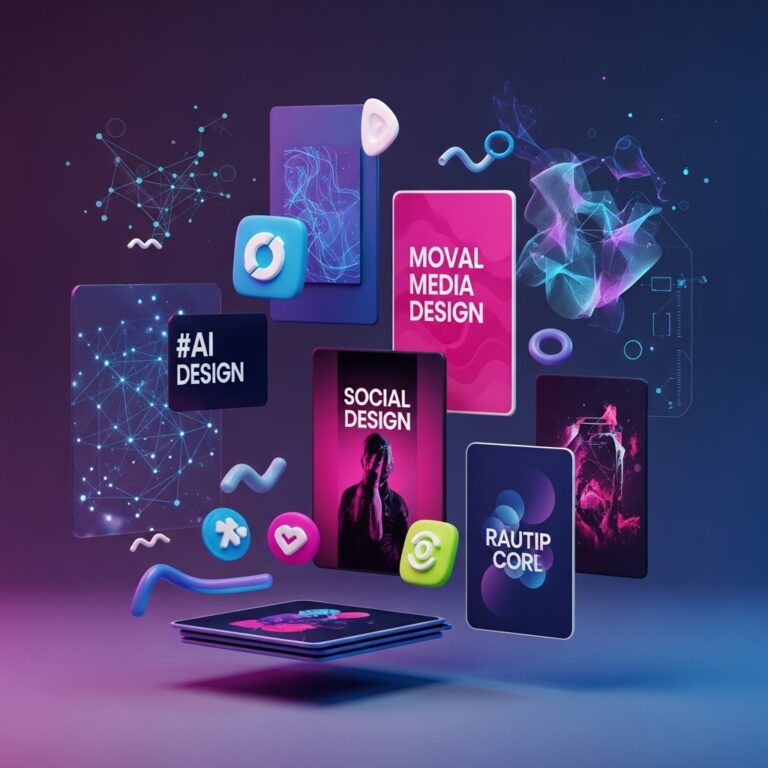
2025–2026 Trending Design Techniques
AI-Enhanced Design
AI is no longer “experimental”—it’s now a core creative workflow.
- Midjourney → Create unique, high-impact backgrounds
- DALL·E → Custom illustrations tailored to brand identity
- ChatGPT → Creative copy ideas, captions, hooks, and layout concepts
2026 Update:
- 78% of people prefer learning about products through short video content (Sprout Social, 2026)
- 38% of marketers say AI significantly boosts social media efficiency (ClearVoice, 2026)
Related insight: AI-assisted design + short-form content now performs best on Instagram Reels, TikTok, and Facebook Shorts in 2026.
3D Elements
Flat design is fading. Depth is winning.
Add visual impact with:
- 3D text effects
- Floating objects
- Layered shadows for realism
2026 Trend Note:
3D visuals are now widely used in branding posts, hero banners, and ad creatives to increase scroll-stopping power.
Micro-Animations
Small movements, big results.
Micro-animations help to:
- Draw attention to key elements
- Express brand personality
- Guide viewer focus naturally
Performance Insight (2026):
Well-placed micro-animations can increase engagement by up to 35%, especially in short-form and carousel content.
Interactive Features
Polls and Questions: 67% more engagement than regular posts Carousel Posts: Tell stories across multiple slides for deeper engagement
AR Filters: Let people try your product virtually – video gets 5X more engagement
Common Mistakes to Avoid
Design Killers
Too much text → Keep it short and punchy, Tiny fonts → Make text phone-readable, Blurry images → Use high-quality photos Wrong sizes → Follow platform guidelines, No brand consistency → Use same colors and fonts
The 1 Mistake
Trying to say everything in one post. Pick one message. Say it clearly. Let your next post handle the details.
Measuring Your Success
Track These Numbers
Metric | What It Means | Good Benchmark |
Engagement Rate | Likes + Comments ÷ Followers | 3-6% |
Click-Through Rate | Clicks ÷ Views | 2-5% |
Shares | How often people share | 1-3% of likes |
Saves | People keeping for later | 5-10% of likes |
Tools That Help
- Instagram Insights: Free built-in analytics that 93% of marketers will use more in 2025
- Facebook Analytics: Detailed performance data for visual content optimization
- Hootsuite: Cross-platform tracking for the 71% of marketers creating social video
- Sprout Social: Advanced reporting for the 84.8% of brands investing in visual marketing
Real Results: After 3 months using creative poster design, BrightCore Analytics saw:
- 180% more engagement on TikTok
- 30% faster design creation time
- 200% increase in website traffic from social
Your Next Steps
Tools That Help
Pick your design tool (Canva for beginners) Set up your brand colors (2-3 colors max) Download platform size templates, Create your first design using the 6-step process, Test on mobile before posting, Track your results after one week
Keep Learning
- Follow design inspiration accounts on Instagram for the latest trends that boost engagement
- Join Facebook groups for designers sharing techniques that get 40X more shares
- Watch YouTube tutorials for your chosen tool – 96% of consumers watch explainer videos
Subscribe to design blogs like Creative Bloq for 2025 visual trends
Need Help?
Professional design services can boost your results even faster. A good designer understands both creativity and marketing psychology.
Remember Natalie’s story: One creative approach changed everything. Your breakthrough design might be just one post away.
Quick-Answer FAQs
1-3 hours for most designs. Templates cut this to 30 minutes.
There isn't one. Always use platform-specific sizes for best results.
Yes, but use quality sites like Unsplash or Pexels. Avoid obvious stock photos.
2-3 times per week keeps audiences engaged without overwhelming them.
Useful tips, funny content, or posts that make them look good to their friends.
Keep your brand consistent but adapt styles for each platform's audience.